Broadcast Radio Streaming customers can upload a Fallback / Backup File which will be played in the event that neither the primary or backup encoder is connected to the streaming mount point. This file should be a mix of music and jingles that you want to play if your station is fully off air. We recommend creating a file between 20 minutes and an hour in length.
Please note the the audio file must be the same format and bitrate as your main stream (128kbps MP3 by default).
1. Login to your Broadcast.Radio portal.
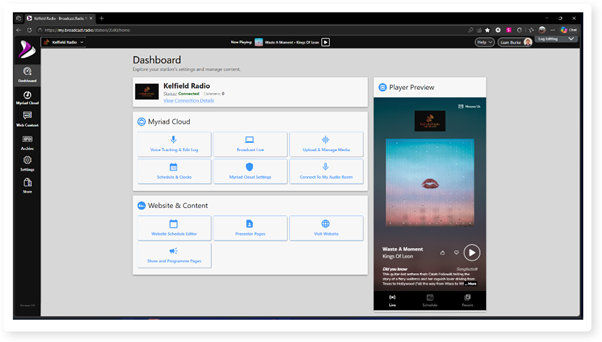
2. Click Settings.
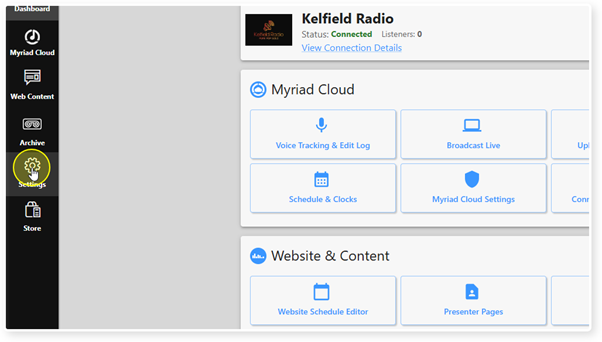
3. Then Streaming.
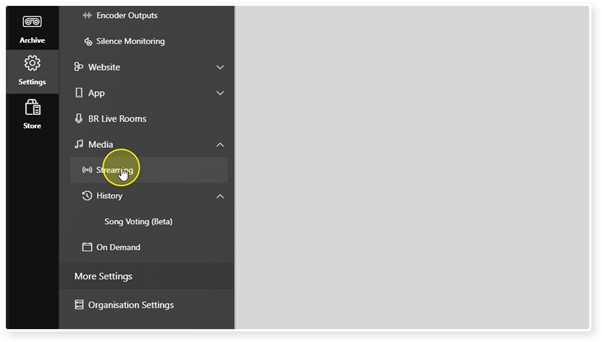
4. Locate the Stream you want to add an Intro File to. Remember you can only add Intro Files to Streams with the Broadcast Radio provider.
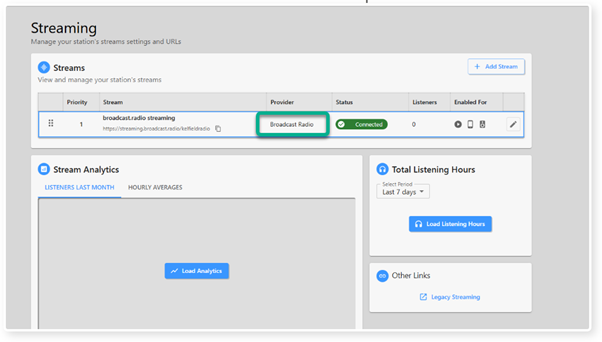
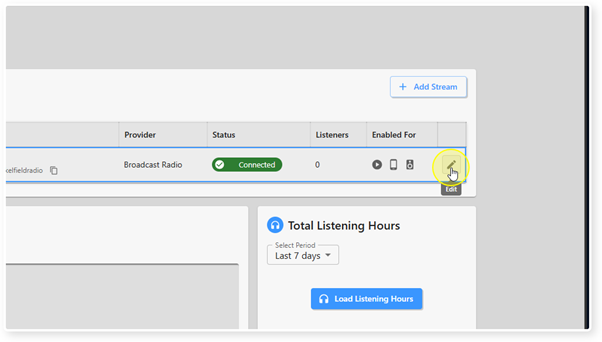
5. Click on the Edit button for the Stream.
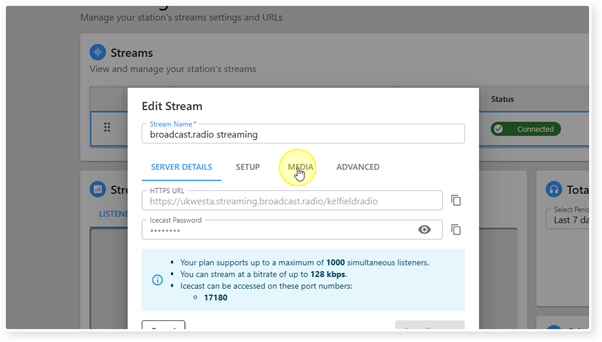
6. Switch to the Media tab.
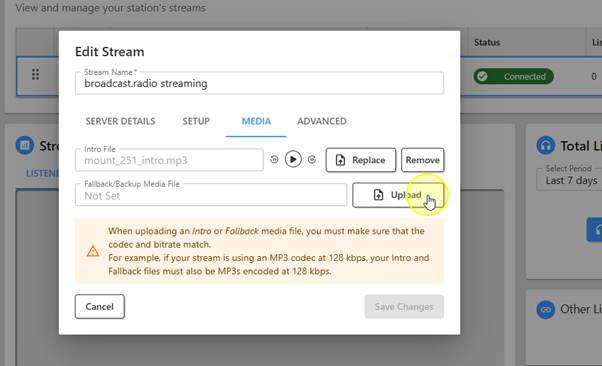
7. Click on the Upload button for the Fallback / Backup File.
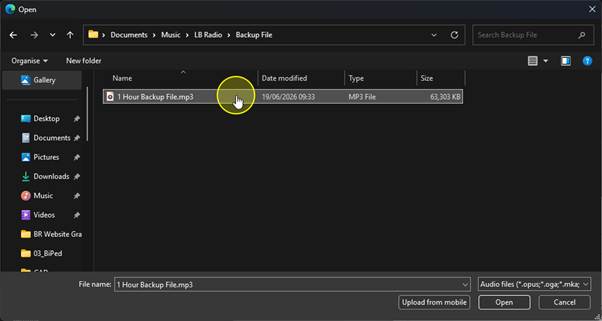
8. Browse and select the audio file you want to use. Remember it must be the same format and bitrate as your main stream.
9. If the format and bitrate is correct, the file will be uploaded and added to your Stream.
You can review the file by clicking on the Play button.
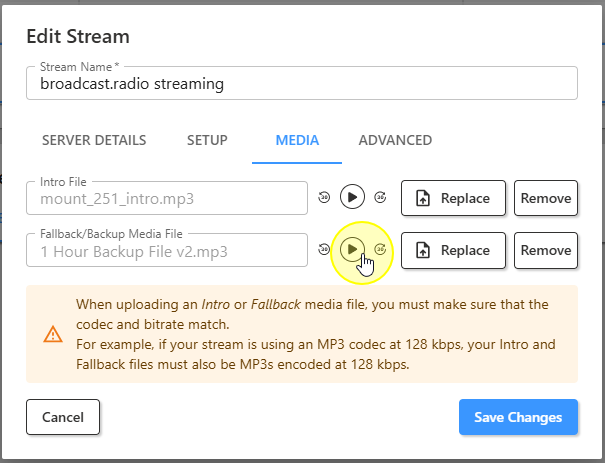
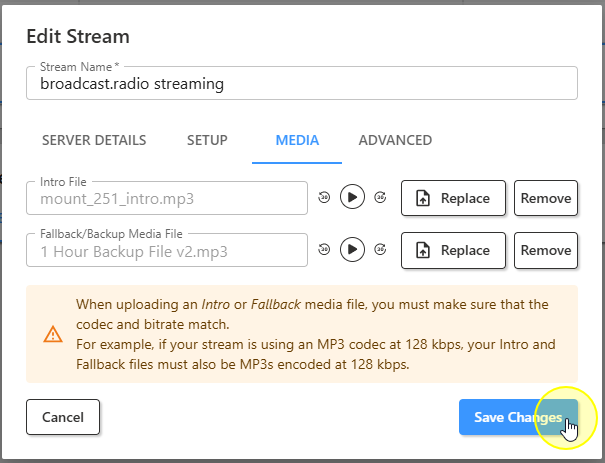
10. When you are happy, click the Save Changes button to save the changes.
Was this article helpful?
That’s Great!
Thank you for your feedback
Sorry! We couldn't be helpful
Thank you for your feedback
Feedback sent
We appreciate your effort and will try to fix the article