Did you know that you can bind Media Items so that they always play in the Log before or after another Media Item?
Imagine you have just had ex-Spice Girl, Mel C in your studio and she kindly offered to record a shout out for your station.
Cool huh!
But how to capitalize on that exclusive scoop?
One option is to use the Bound feature in Myriad Playout 5/6 to bind the Mel C promo to her Songs so that they always play before or after a Mel C tune is played in the Log.
Follow these steps:
- Select a Mel C Song on your Media Wall or Library.
- Click on the Edit button to open the Edit window.
- Click on the Other tab.
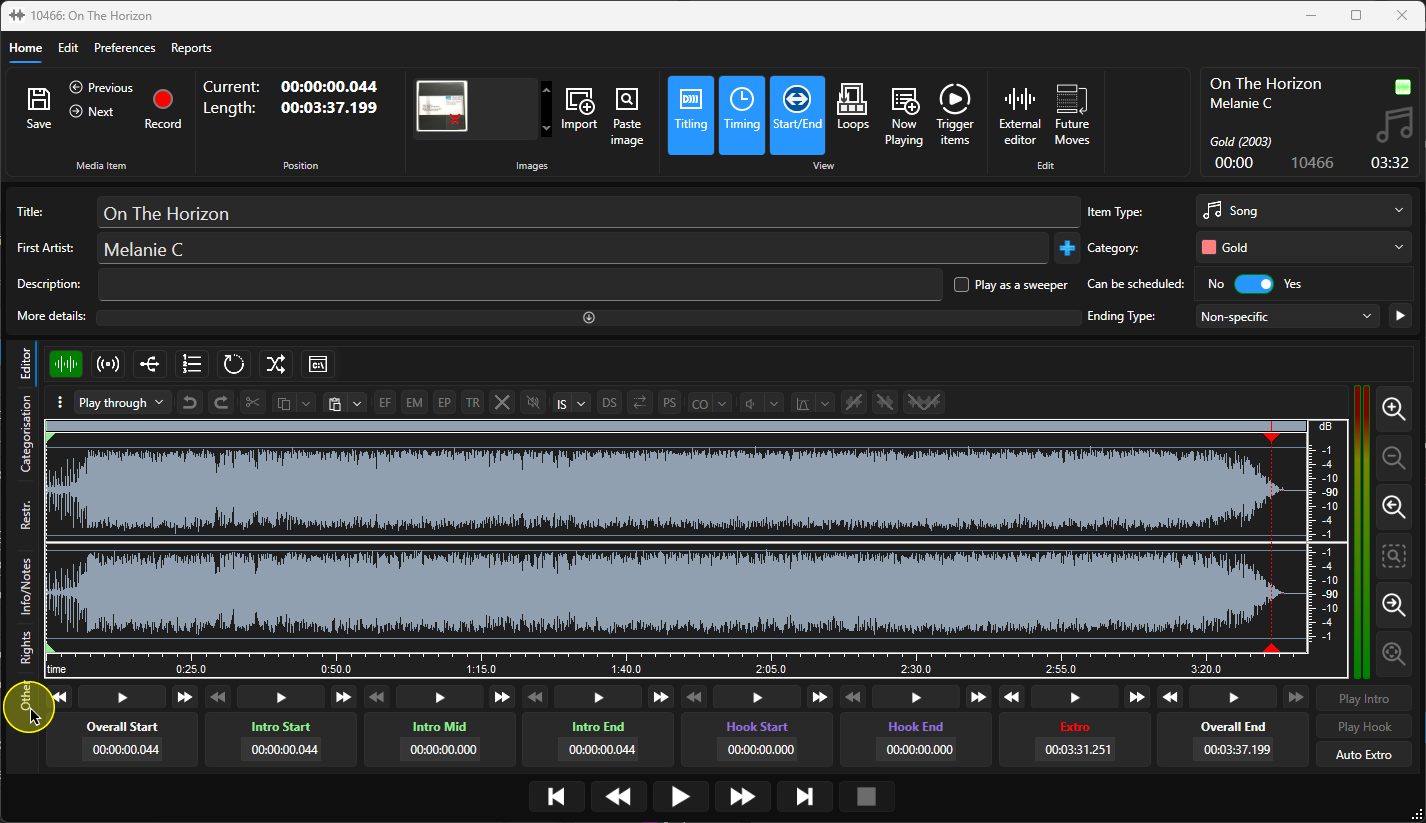
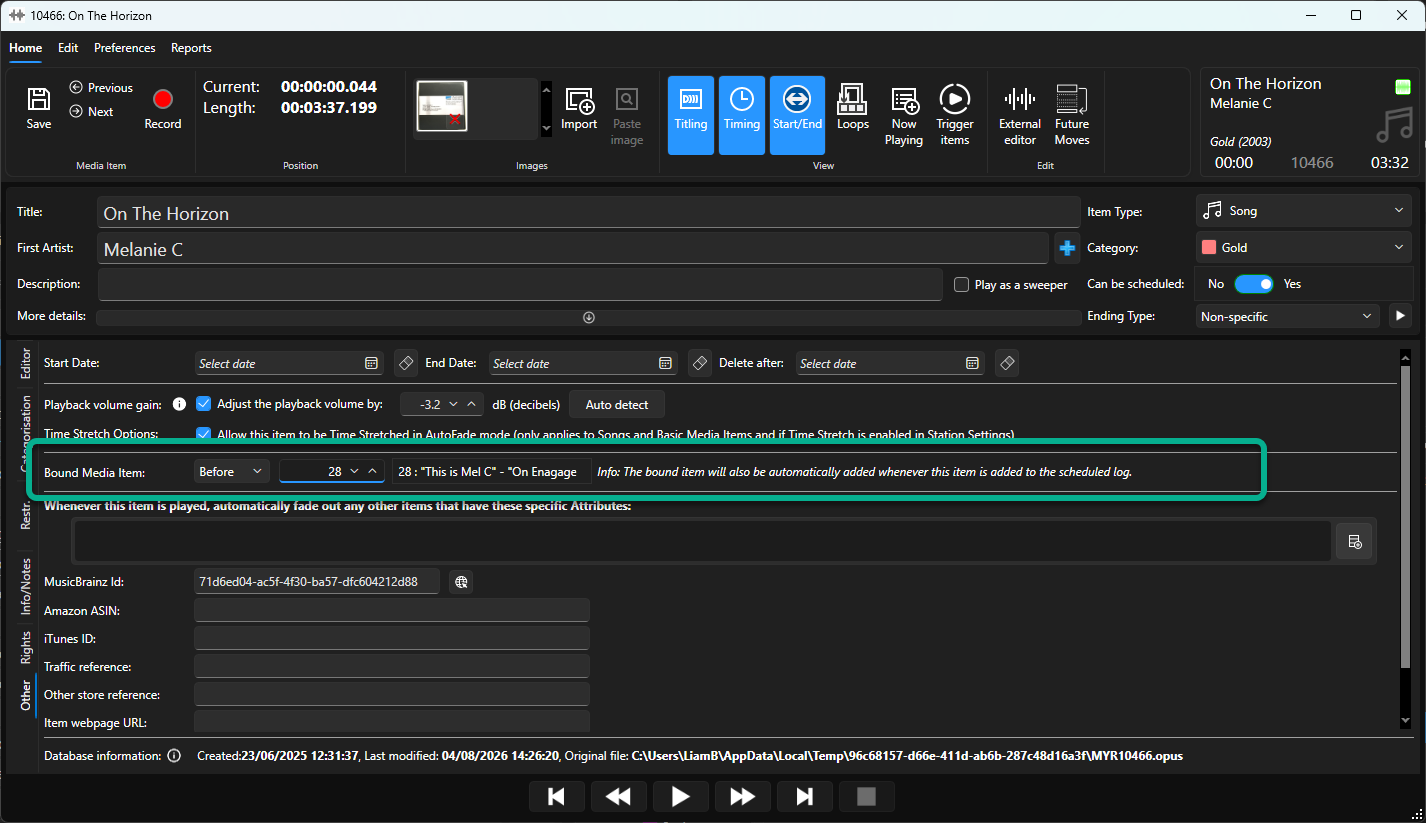
- In the Bound Media Item section, set whether the bound item should play Before or After the Song.
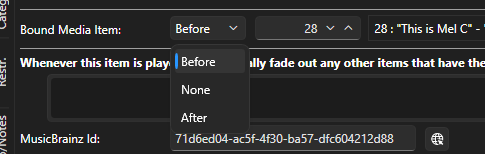
- Set the Media ID for the Media Item to bind to the Song.
- Click on the Save button.
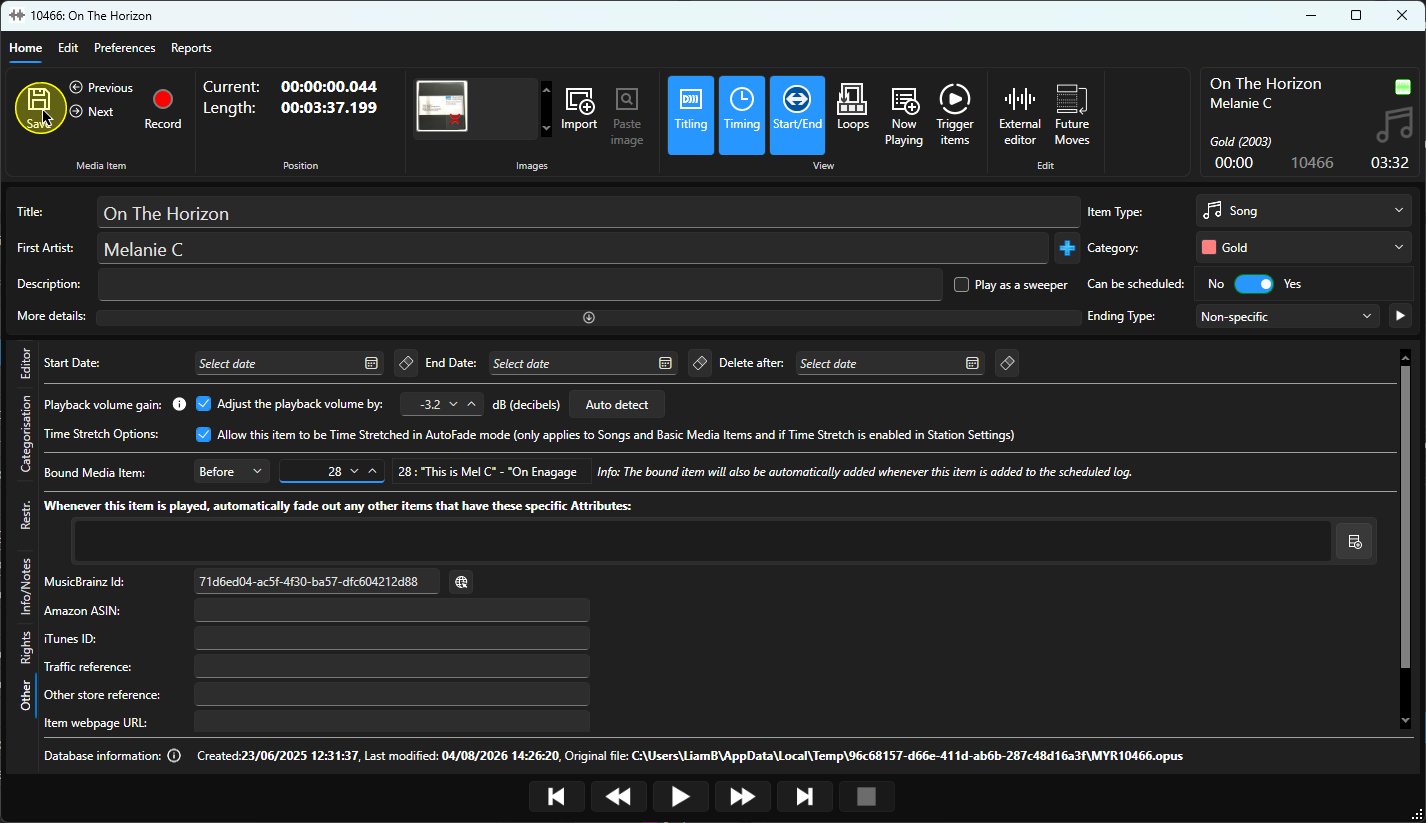
Now whenever that Song is scheduled to play or even manually dragged into the Log, the promo will automatically be added before the song.
Want to make it sound even cooler?
Mark the promo as a Sweeper (assuming it is dry) and the system will embed it into the Intro of the Mel C song (if it has one).
You can bind any Media Item to any other Media Item so you could use it for Sponsor tags, competition promos or just about another else.
Was this article helpful?
That’s Great!
Thank you for your feedback
Sorry! We couldn't be helpful
Thank you for your feedback
Feedback sent
We appreciate your effort and will try to fix the article