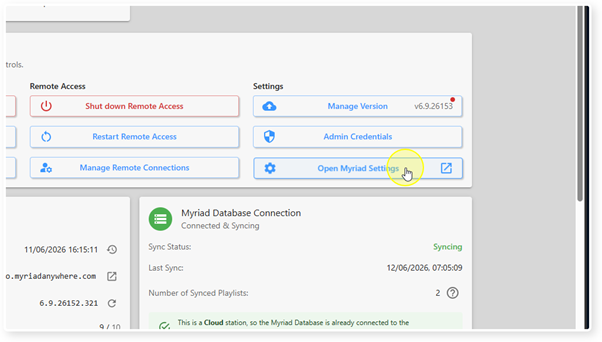
You can access the Myriad Settings module directly from the Myriad Control Panel using the Open Myriad Settings button.
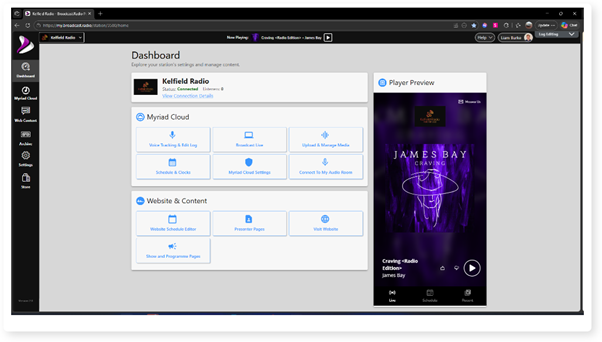
1. Login to your Broadcast.Radio portal.
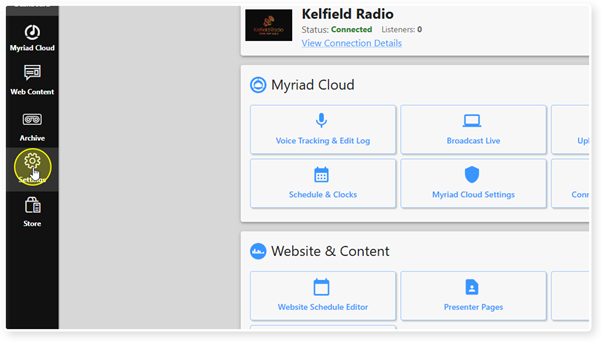
2. Click on the Settings menu option.
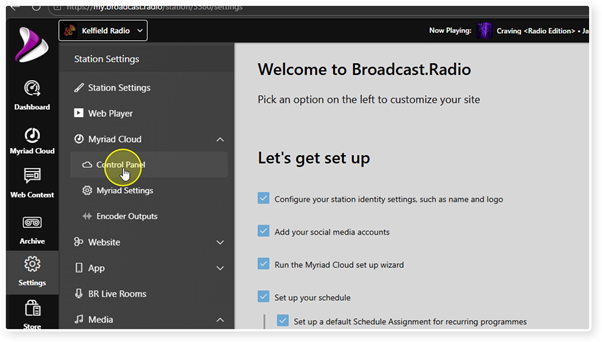
3. Expand the Myriad / Myriad Cloud option and select Control Panel.
4. Click on the Open Myriad Settings button.
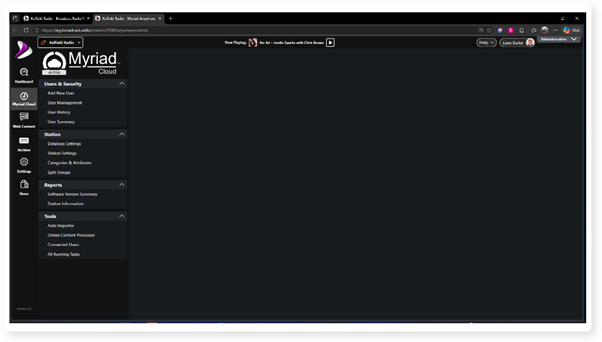
5. The Myriad Cloud - Station Management & Security module will open in a new browser tab.
Was this article helpful?
That’s Great!
Thank you for your feedback
Sorry! We couldn't be helpful
Thank you for your feedback
Feedback sent
We appreciate your effort and will try to fix the article